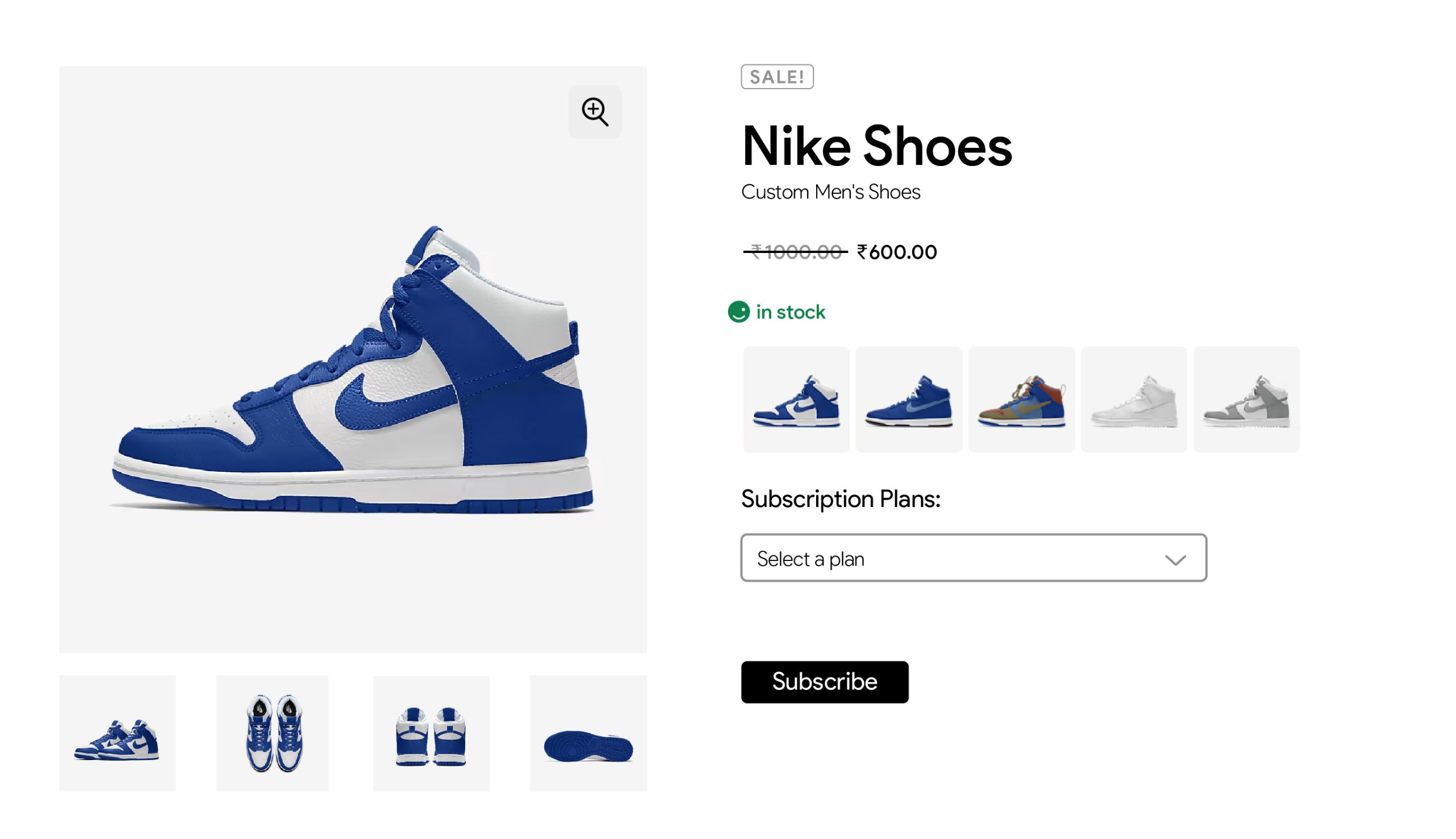
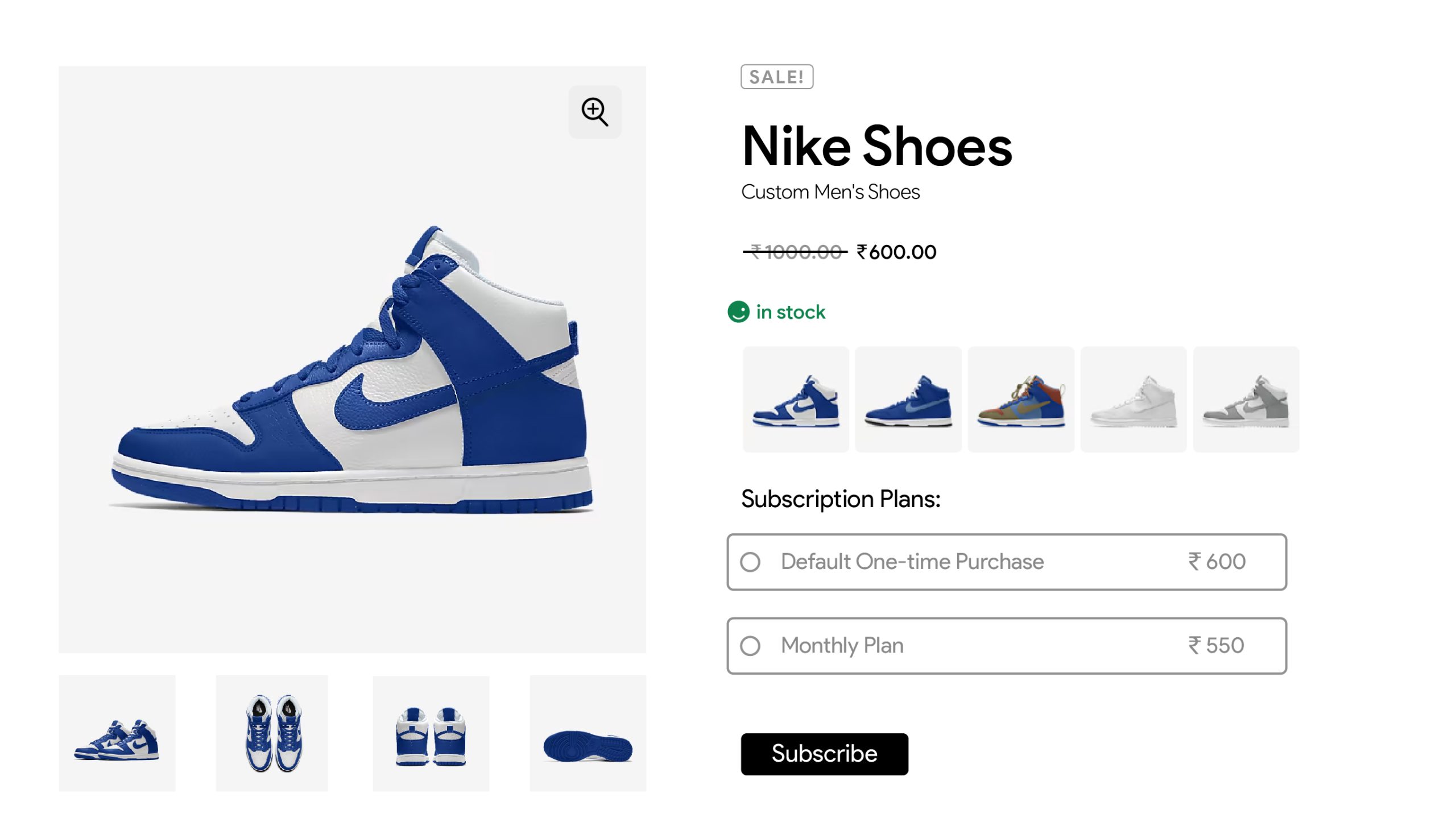
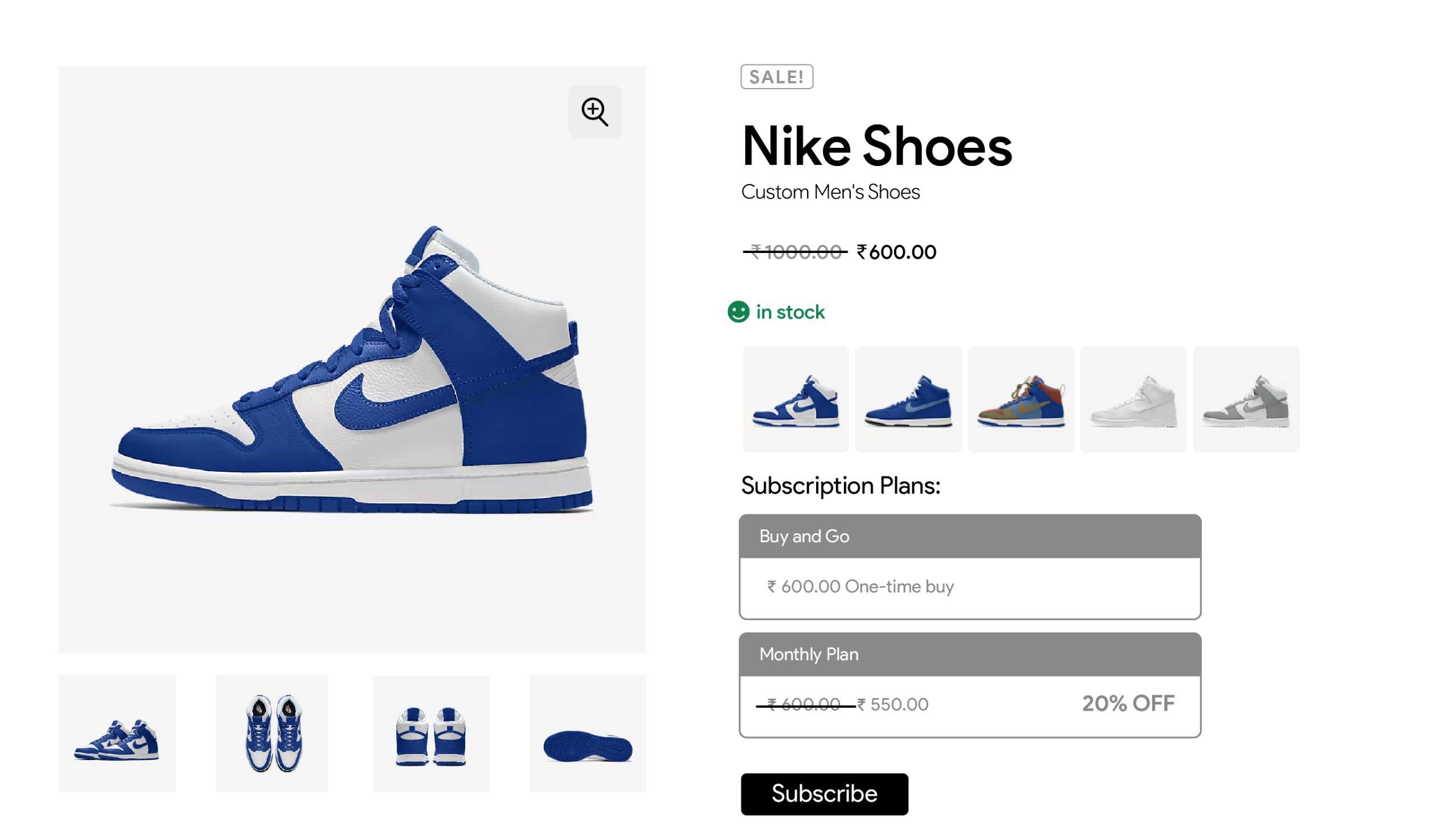
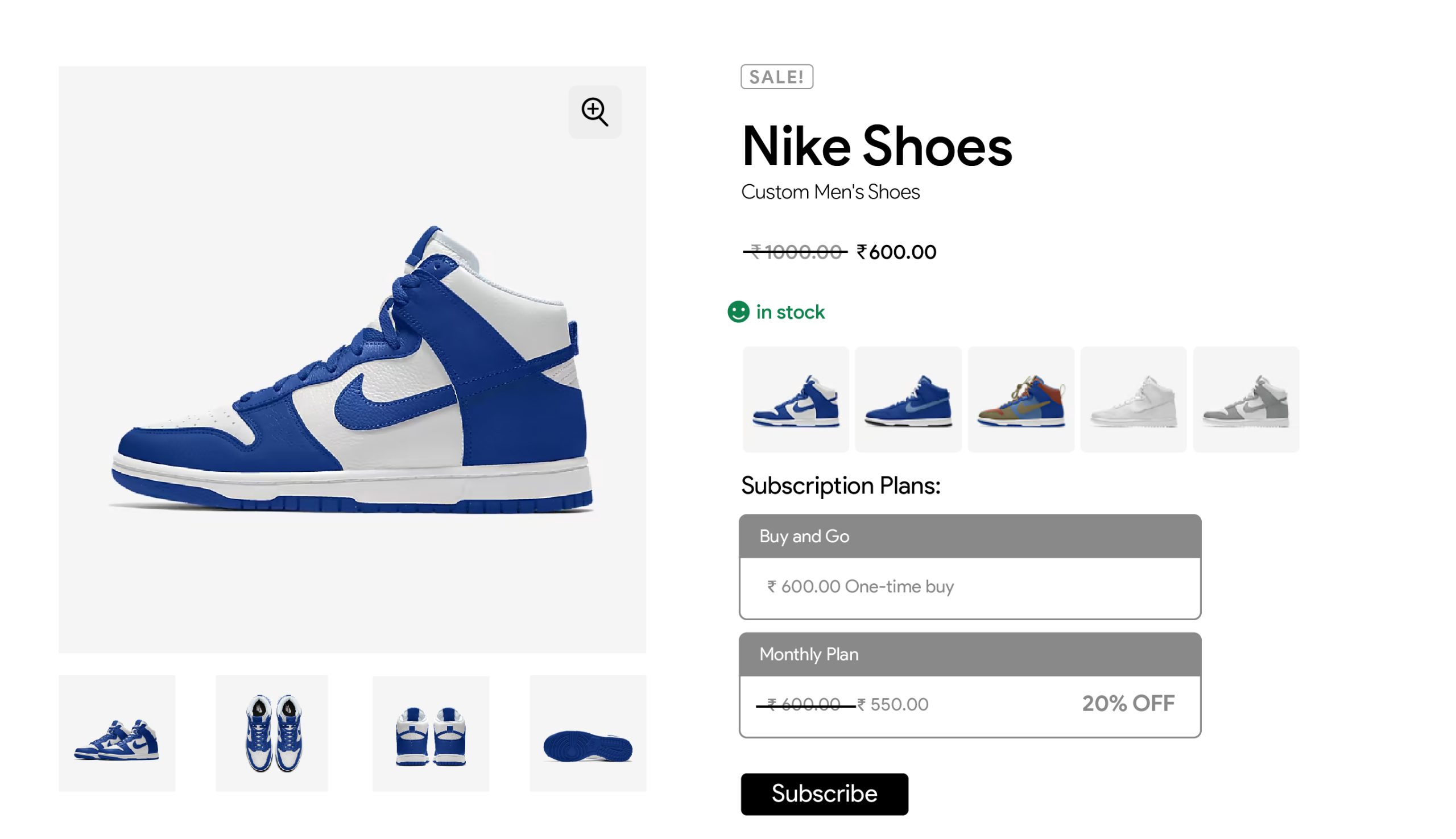
In the Settings section, you can easily customize how subscriptions are displayed on your WooCommerce store. You can define titles for One-Time Purchases and Subscriptions, as well as customize the text for the subscribe button to fit your store’s branding. Additionally, you can choose from different view styles for subscription plans, including options likeLIst View, Card View, Simple View with Radio Buttons, and Select View providing flexibility in how your subscription options are presented to customers.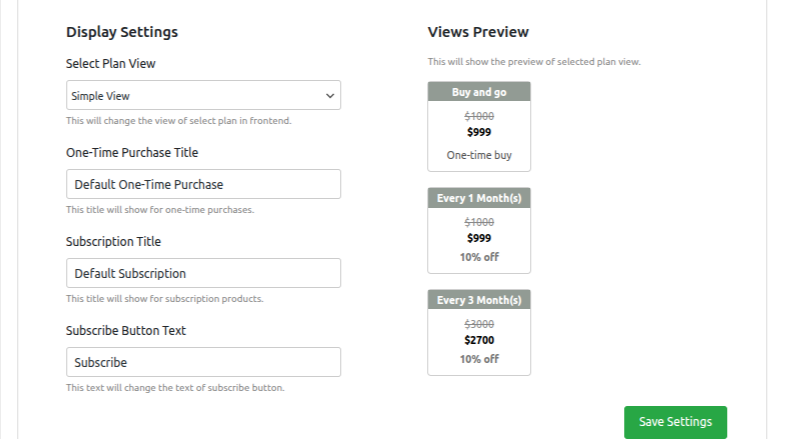
list View:
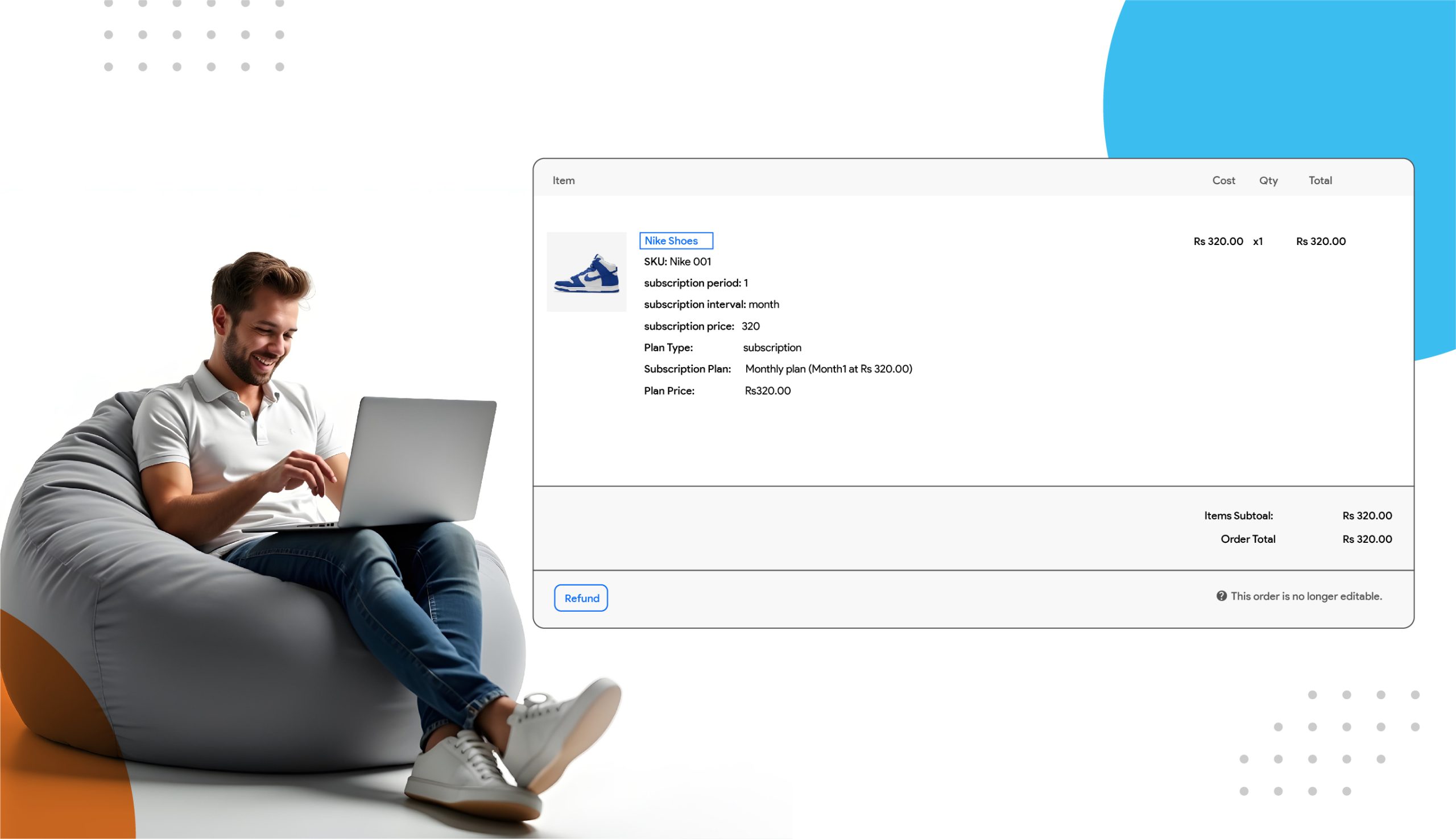
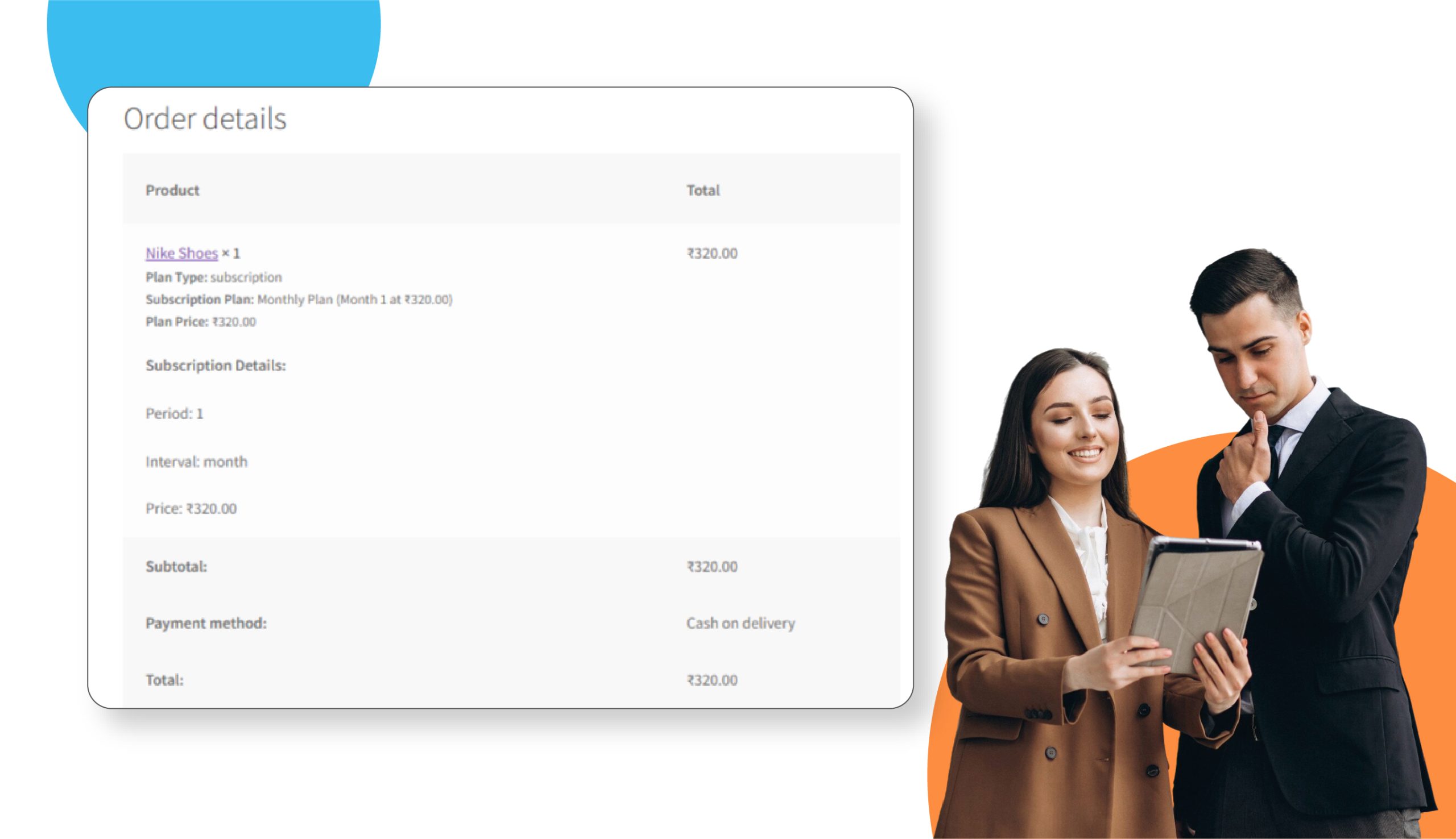
When i select the Horizontal text view its looks like as above attached image and below is the cart page when i selected the subscription plan.
Card View:
Simple View :
Select View: